

Checklist
To stay connected during treatment in India, decide before you fly whether you will roam on your home number or buy a local SIM. A local connection needs your passport and visa for verification. Save the hospital’s numbers and the national emergency number 112 on every phone. Keep a second way to reach the care team if one phone fails.
Good communication matters more on a medical trip than on a holiday. The hospital needs to reach the attendant at short notice. Your doctor at home may want an update. Family will want news after a procedure. This checklist covers the practical steps. It does not recommend any network or plan. Rules on mobile verification are set by India’s Department of Telecommunications and can change, so check with the operator at the point of sale.
What should you decide before you travel?
- Ask your home network whether your plan works in India and what roaming will mean for calls, data and texts.
- Decide which phone number the hospital and IndiaMedica should use for the patient and which for the attendant.
- Write both numbers on the case file you share with the hospital so nobody calls a number that is switched off.
- Check that your phone is unlocked if you plan to use an Indian SIM in it.
- Install the messaging and video apps your family and doctor at home already use and test a call before departure.
- Pack a charger, a spare cable, a power bank and a plug adaptor suitable for Indian sockets.
What do you need to get an Indian SIM?
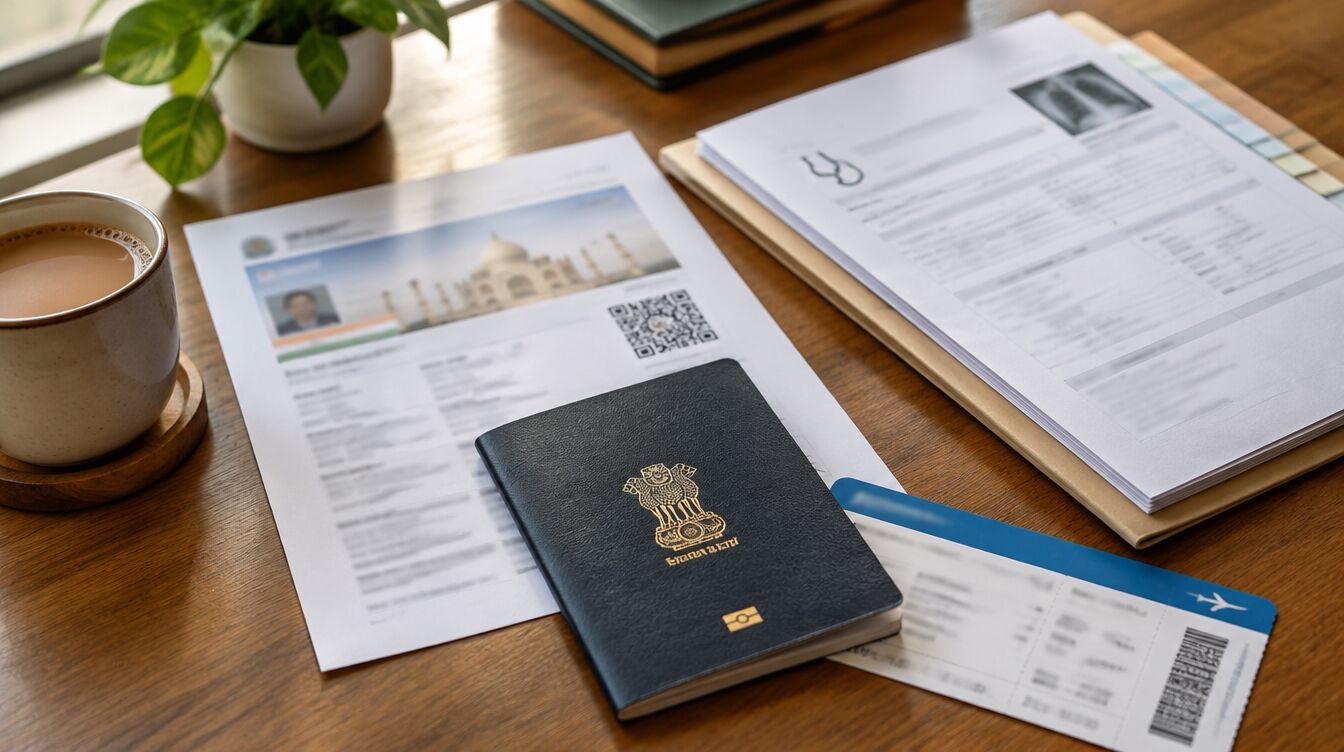
- Carry your original passport and the visa or e-Visa approval you entered on, as operators record these details.
- Expect the operator’s agent to take a live photograph of you as part of verification.
- Have your Indian address ready, such as the hospital or hotel where you are staying.
- Ask the agent how long activation takes and whether the connection has an end date linked to your stay.
- Keep the receipt and the SIM card holder, which shows your number and helps with any later problem.
- Ask whether the attendant needs a separate SIM in their own name rather than sharing the patient’s.
Which numbers should be saved on every phone?
- 112, India’s single emergency number for police, fire and ambulance services.
- The hospital’s international patient desk and the ward or nursing station number once admitted.
- Your IndiaMedica case manager’s number and email.
- Your hotel or guest house reception.
- Your embassy or high commission in New Delhi and any consulate in the city where you are treated.
- Your travel insurer’s 24-hour assistance line and your policy number.
How do you protect yourself from scams and lost phones?
- Treat calls or messages asking for bank details, OTPs or ‘KYC updates’ as suspicious and do not reply.
- Report suspected fraud calls, texts or WhatsApp messages through Chakshu on the Sanchar Saathi portal.
- If you lose money to a fraud, call the cyber-crime helpline 1930 or use cybercrime.gov.in.
- If a phone is lost or stolen, file a police report and ask about blocking the handset through the CEIR service on Sanchar Saathi.
- Back up photos of prescriptions and reports to cloud storage so a lost phone does not mean lost records.
Tip: print this page or save it as a PDF from your browser’s print menu.
Why does the attendant’s phone matter so much?
While the patient is in theatre or recovering, the attendant is the main contact. Nurses may call to ask for consent paperwork, medicines or a visit. A dead battery or a number that only works on Wi‑Fi can cause delays. Keep the attendant’s phone charged and on loud while the patient is in hospital.
112 in an emergency
India’s Emergency Response Support System connects police, fire and rescue and health services through one number, 112. The 112 India app can send an alert with your location. Inside a hospital, use the nurse call button and ward staff first.
Questions people ask
Can I use my home number for hospital calls?
You can if roaming works and the cost suits you. Some hospitals prefer an Indian number for local callbacks and SMS updates. Ask the international patient desk which they prefer and make sure whichever number you give is the one that will be switched on throughout your stay.
What is the Sanchar Saathi portal?
Sanchar Saathi is a citizen service of India’s Department of Telecommunications. It lets you report suspected fraud communication, block a lost or stolen handset, check whether a phone is genuine and report international calls that display an Indian number. It is available as a website and a mobile app.
Sources
- Sanchar Saathi – Department of Telecommunications, Government of India
- 112 India – Emergency Response Support System
- Department of Telecommunications – verification of subscribers of foreign nationality (2017)
General information, not medical or legal advice. Rules change: confirm with the official source. How we write and check.